Understand the board
Look up available board information and configuration references for supported KORLINX products.

KORLINX MCP SERVER | AI-ASSISTED DEVELOPMENT
Bring relevant board information, reference documents, and examples into your AI-assisted firmware development workflow.
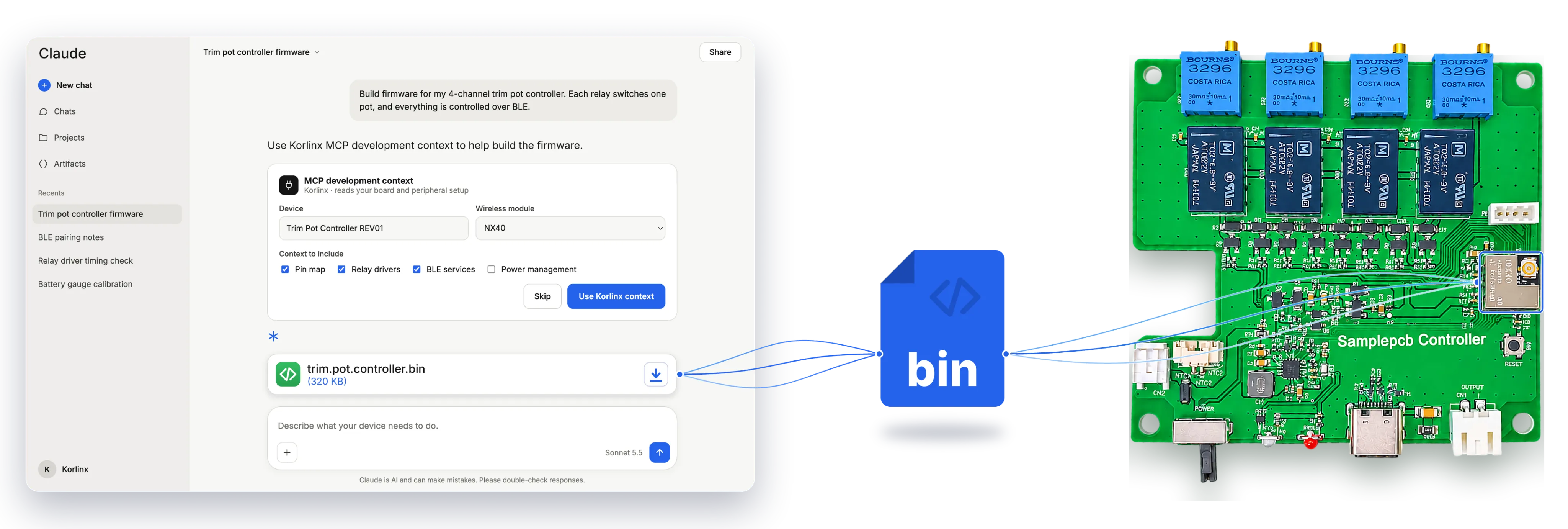
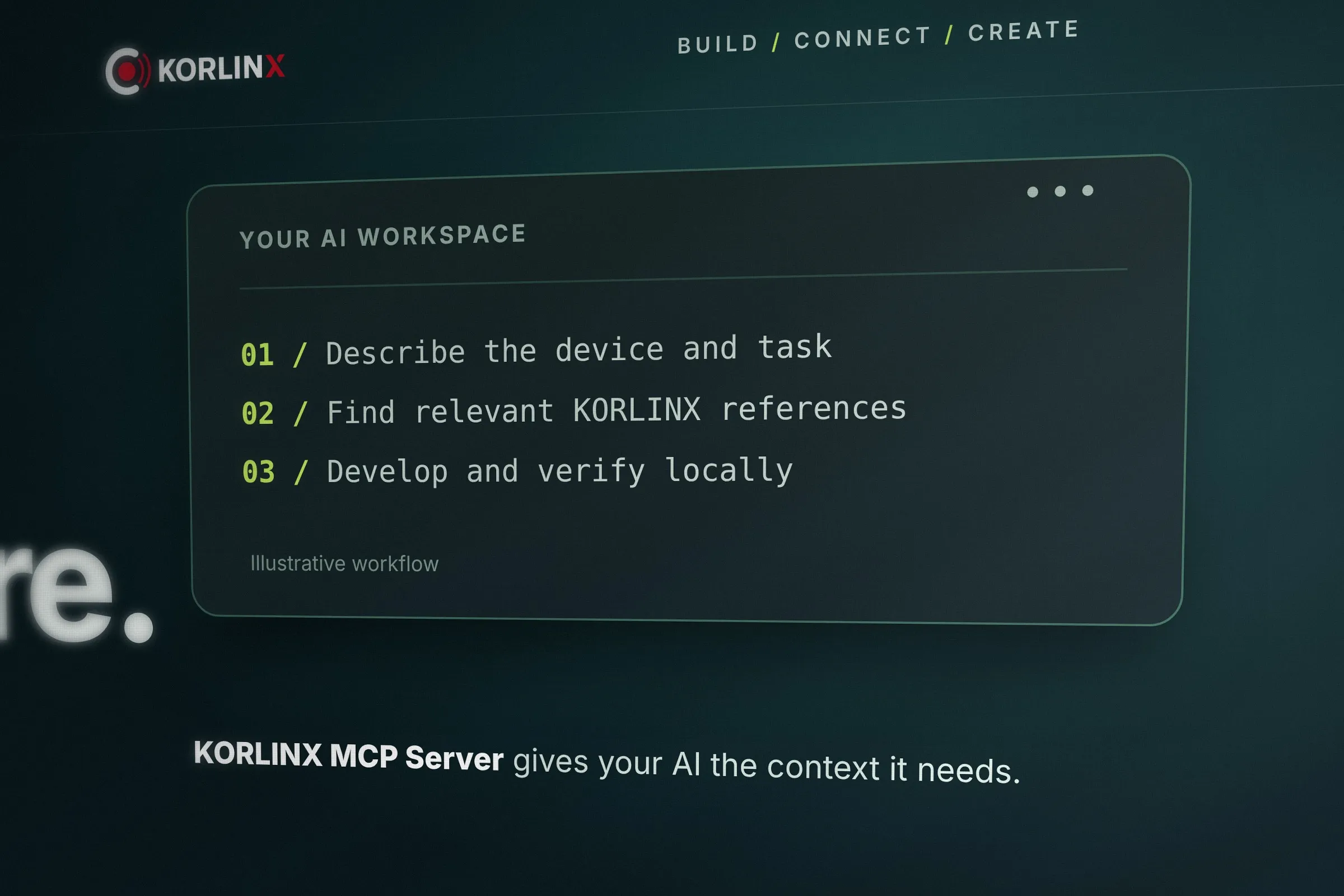
KORLINX MCP Server helps an MCP-compatible AI assistant find product and firmware references relevant to your development task.
Look up available board information and configuration references for supported KORLINX products.
Search available firmware examples, libraries, and technical references by development context.

Use retrieved information with your AI assistant while developing and reviewing firmware.
Set up KORLINX MCP Server with a compatible AI client and the available public references.
Provide your board, framework, SDK version, and the functionality you want to build.
Use references with your AI assistant, then build locally and test on your target hardware.
Find reference material for Arduino, Zephyr / Nordic NCS, and PlatformIO workflows.For Nordic NCS development, Nordic MCP can be connected separately for SDK guidance.
Available references depend on the product and configuration. Build, debugging,and hardware verification use your own development tools and target hardware.
Set up the local public MCP package in your AI client, then share the board and development context you want to use.

Install the KORLINX MCP package and configure the supplied public client settings with your local paths.
Install the KORLINX MCP package and configure the supplied public client settings with your local paths.
Ask the assistant to check relevant references, review the generated code, and use your local tools and hardware to verify it.