
Connect a device
Register a device and configure the information needed to connect it to the server.

KORLAB | AIoT Platform
Connect AIoT devices to a server, see their information, and manage device communication in KORLAB.
Go to Demo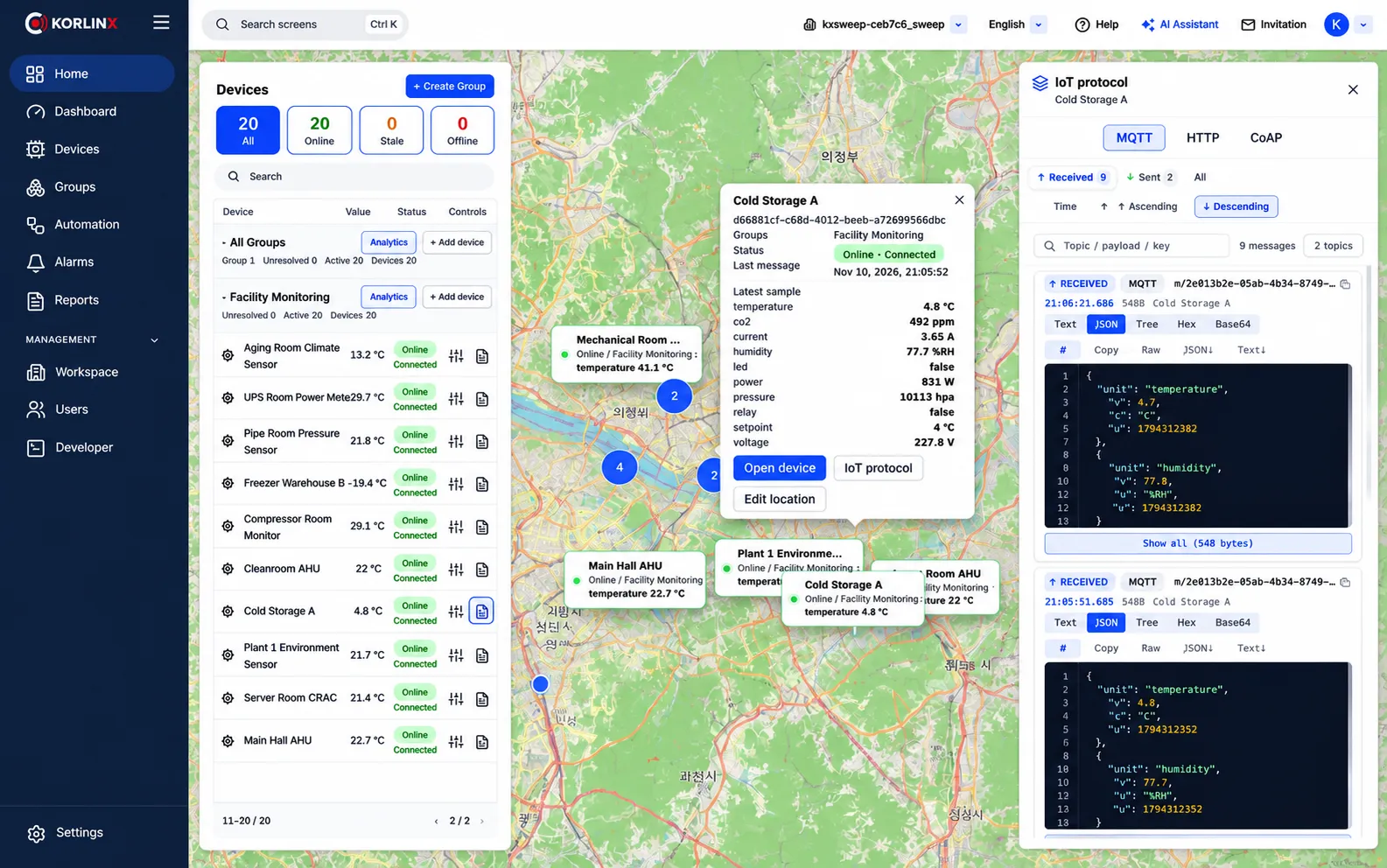
Follow the demonstration from device registration and MQTT connection to monitoring and device control.
KORLAB brings device connectivity and server communication togetherso you can view device information and interact with your connected devices.
Register a device and configure the information needed to connect it to the server.
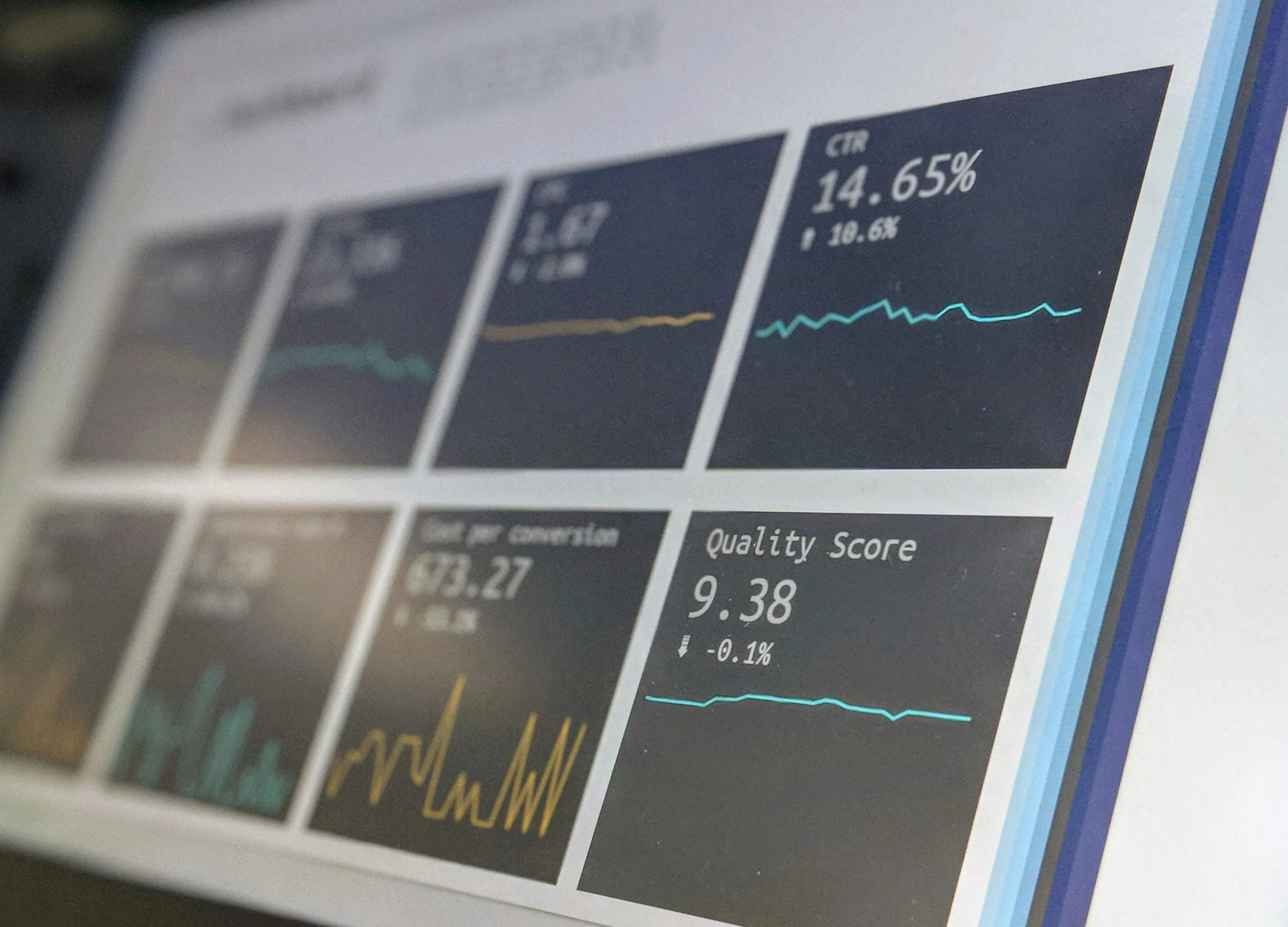
View device data, connection status, and location on a map in the dashboard.

Configure device control commands and communicate with connected devices.

Add your device and enter the information needed for identification and display.

Use the connection information provided during setup to connect your device. The demonstration shows an MQTT connection.

Check received information and status on the dashboard, configure control commands for the device.
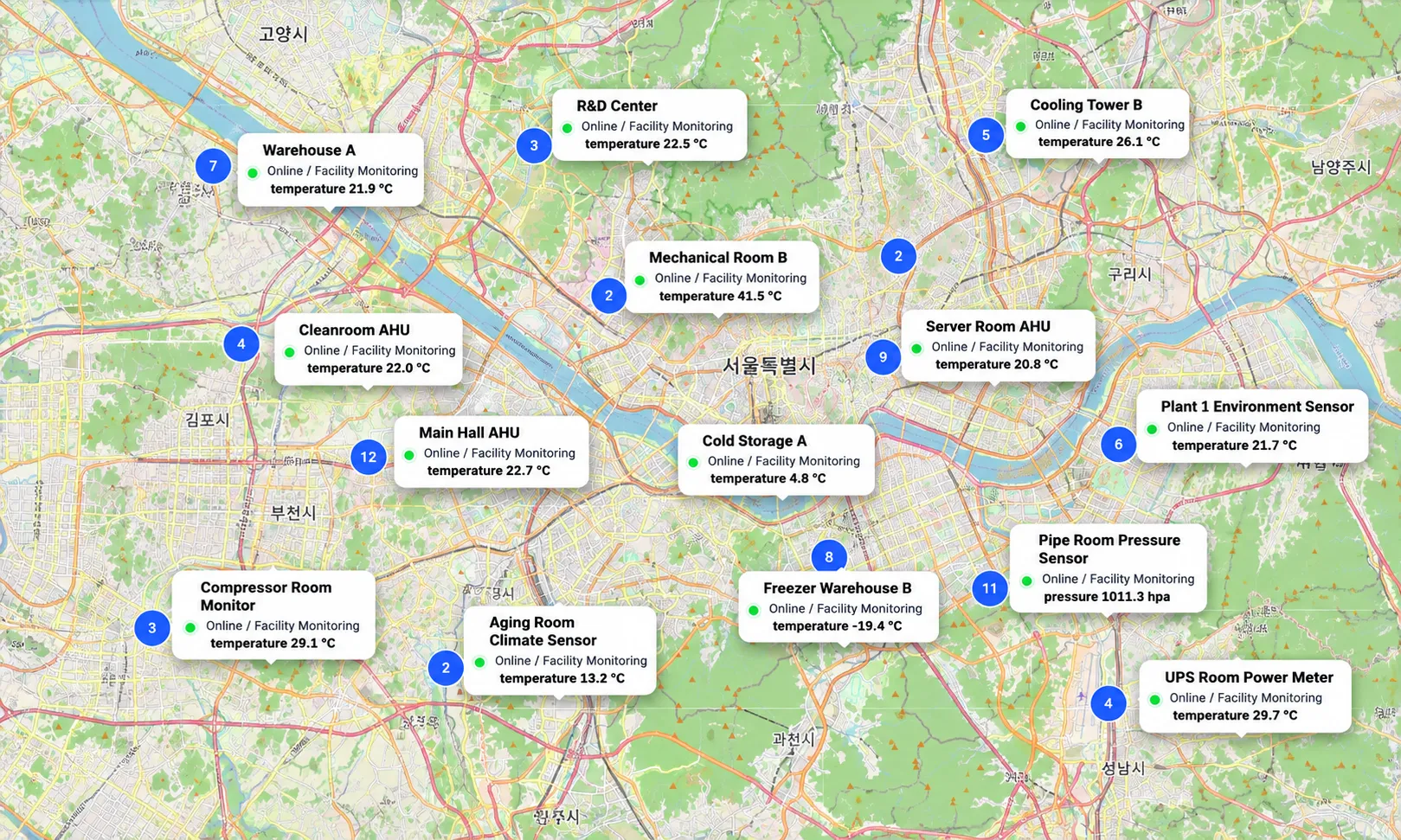
View connected devices in a list or by location. Device information helps you understand what is happening across your deployment.